Offline vs Online Language Lab Software
What actually happens when you run an English lab session day after day, year after year, beyond the polished demos and marketing promises.
🏫 The Classroom Reality Test
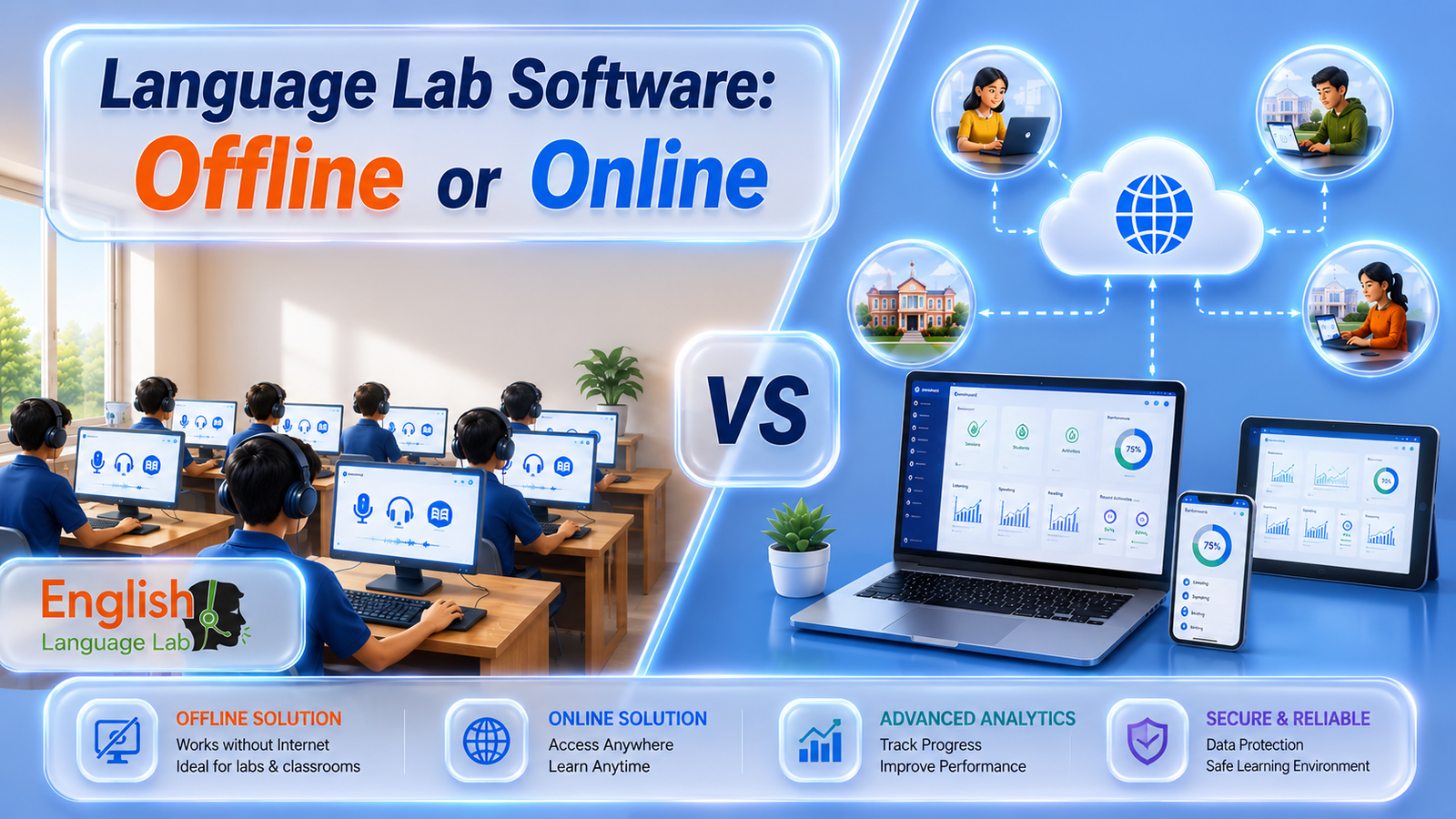
A class of 40 engineering students is about to begin a pronunciation module. The teacher starts the session. Half the screens buffer. Two students cannot log in. The audio cuts out. The teacher spends 15 minutes troubleshooting before the actual lesson begins.
This is not a hypothetical. It is what happens when an institution in an area with unreliable broadband depends on cloud-based software for structured classroom instruction. Online platforms are built for ideal conditions. Most Indian classrooms do not operate in ideal conditions.
Digital language lab software offline was designed with this reality in mind — no cloud dependency, no login server to reach, no content to stream. Everything needed for a full, rich lesson is already on the machine in front of the student.
💾 What “Offline” Means in Practice
Offline does not mean outdated. Modern platforms deliver high-definition audio, animated pronunciation guides, interactive grammar modules, speaking practice with voice recording, and detailed performance reports — all running locally on standard lab computers.
Digital Teacher English Language Lab exemplifies this — students work from foundational phonetics through to group discussions, presentations, and professional interview preparation.
🌐 The Online Platform’s Real Strengths
Online language lab software is genuinely well-suited for certain use cases. Enterprise-grade broadband with guaranteed uptime unlocks automatic content updates and the flexibility for students to access material from outside campus.
Corporate training programmes across multiple locations also benefit from cloud delivery. However, for schools and colleges that need a reliable scheduled classroom resource, these advantages are secondary to the fundamental requirement of consistent uptime.
📚 Curriculum Alignment & Student Progress
Digital Teacher English Language Lab follows CEFR guidelines and meets AICTE recommendations — making it directly applicable for engineering colleges requiring structured English and communication skills training as part of their academic programmes.
Content progresses across levels so students build on previous learning rather than jumping between unconnected modules. Assessment tools track pronunciation accuracy, vocabulary retention, and communication development.
🎯 Bottom Line
Start by honestly assessing your campus internet reliability. If the answer is anything other than “excellent and consistent,” offline is not just the better choice — it is the only sensible one.
💾 Offline Software Recommended
- Works with zero internet dependency
- Full HD audio and animations locally
- No login server failures
- Consistent uptime every session
- Real-time teacher dashboard works offline
- CEFR & AICTE aligned curriculum
- No recurring cloud subscription costs
- Manual updates for new content
- No remote access beyond campus
🌐 Online Software Conditional
- Auto content updates via cloud
- Students can access from home
- Suits multi-location corporate training
- Requires stable enterprise-grade broadband
- Login and streaming failures common
- Loses 15+ mins per session to troubleshooting
- Compound impact on student confidence
- Ongoing subscription costs
- Dependent on third-party servers
⚖️ The Decision Rule
Ask yourself one question: is your campus internet reliable enough to stake every scheduled class on it? If there is any doubt, offline wins — not on features, but on the fundamental requirement of showing up every single day.